Email campaign results
See whether the invitations and reminders you sent reached people, whether they opened and clicked them, and what went wrong on the way.
Before you start
You need permission to manage the event, or to be one of its hosts. Hosts can read these figures even when they cannot edit the event.
The event list shows only events you manage that already have a mailing list. An event without a mailing list stays out of the list until you add one.
No package limits this page. Free, Professional and every other package show the same figures.
Figures reach the page a few minutes after you send an email.
Where email analytics live
Open Email Campaign Analytics in the sidebar. The page opens at Email Analytics.
You can also open an event and select its Email Analytics tab. Both places show the same figures for that event.
Delivery and recipient responses
The page carries three groups of figures, followed by an Overview chart.
Delivery Metrics comes first. Total Sent counts every email you sent for this event. Delivered counts the ones the mail provider accepted. Delivery Rate is the share of Total Sent that was delivered.
Engagement follows. Opens and Clicks count the recipients who read a message and followed a link. Total Engaged counts everyone who did either. Engagement Rate divides that count by Delivered, not by Total Sent.
That base matters when you compare two events. Mail the provider blocks or fails never raises Delivery Rate, because only delivered messages count in its numerator. An event that reached everyone shows a high Delivery Rate.
Engagement Rate reads as a dash when Delivered is zero, and otherwise depends only on what the delivered recipients did.
Issues comes last. Bounced counts emails that came back because the address does not exist. Failed counts emails the provider could not deliver at all. Complaints counts recipients who marked the message as spam. Unsubscribed counts recipients who asked to stop receiving messages.
A rate with nothing to divide by shows a dash instead of a percentage. An event whose first batch all bounced therefore shows a delivery rate, and a dash for every other rate.
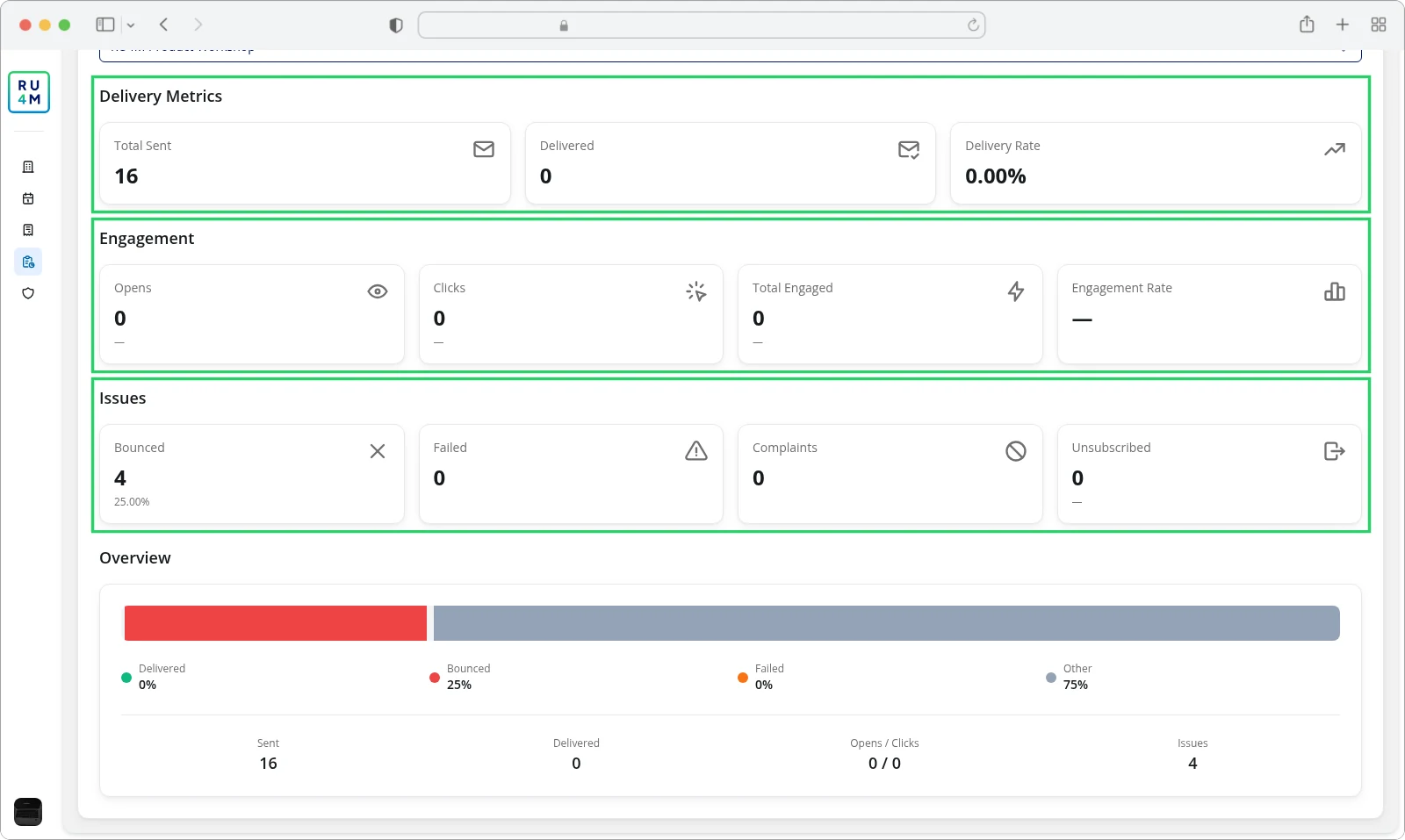
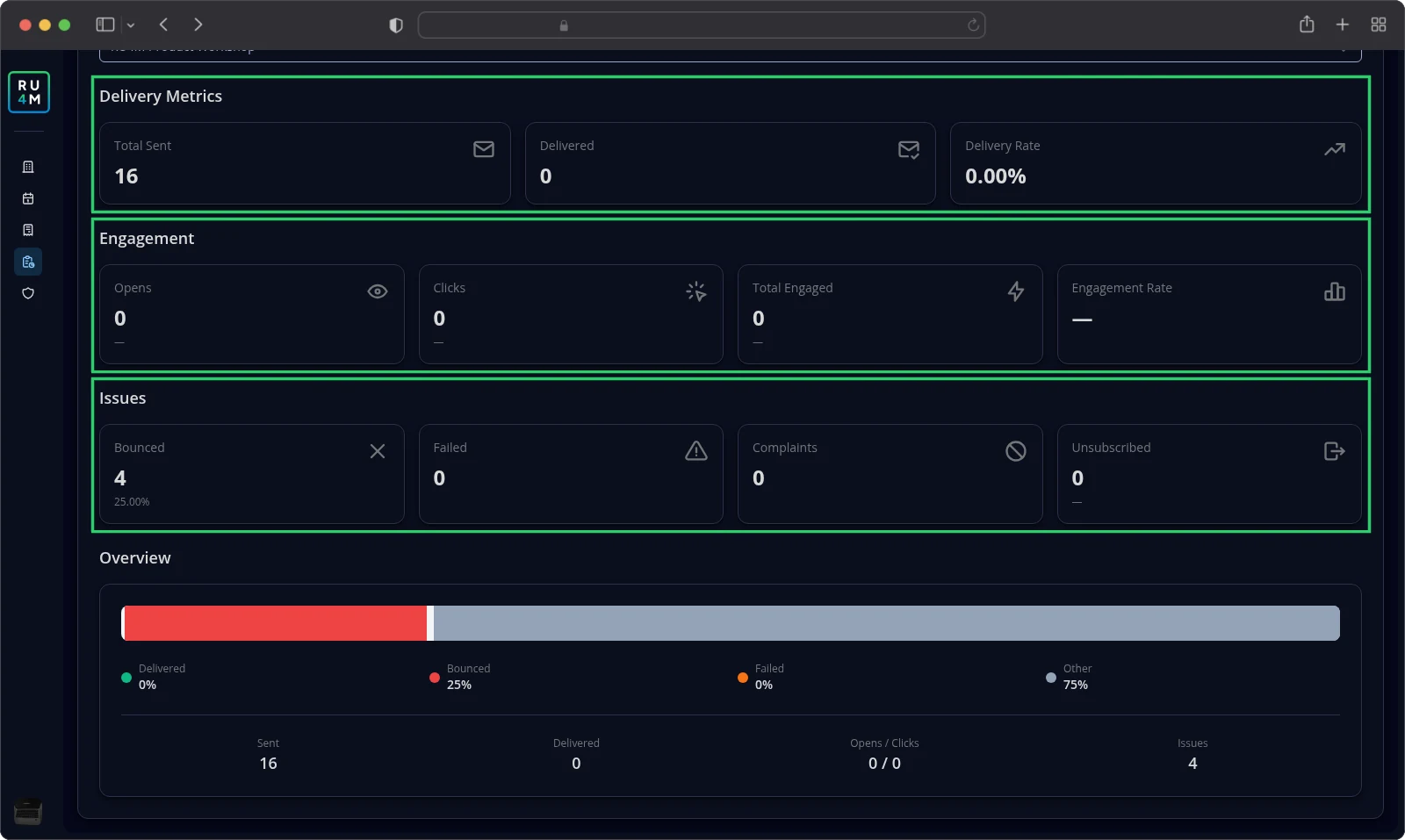
The Overview chart splits every sent message into four shares. Delivered and Bounced sit beside Failed, and Other collects everything the provider did not classify. A line under the chart repeats the totals as Sent, Delivered, Opens / Clicks and Issues.
Comparing campaign results
There is no breakdown per campaign. Every invitation and reminder you sent for one event is counted together, so a single figure covers all of them.
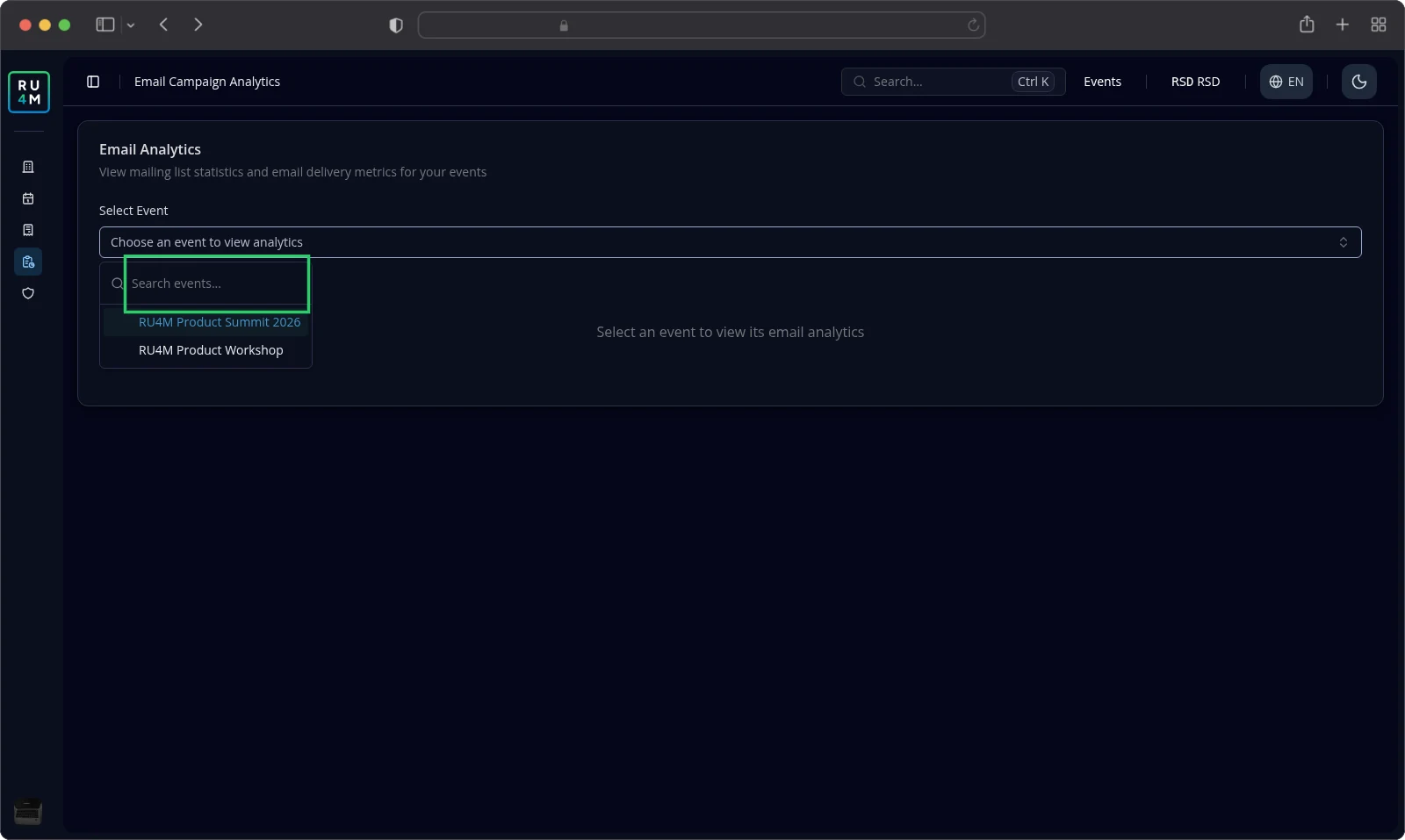
To compare events, switch between them. Select Select Event and pick another event from the list. Type part of a title in the search field to shorten the list. When nothing matches, the list reads No event found.
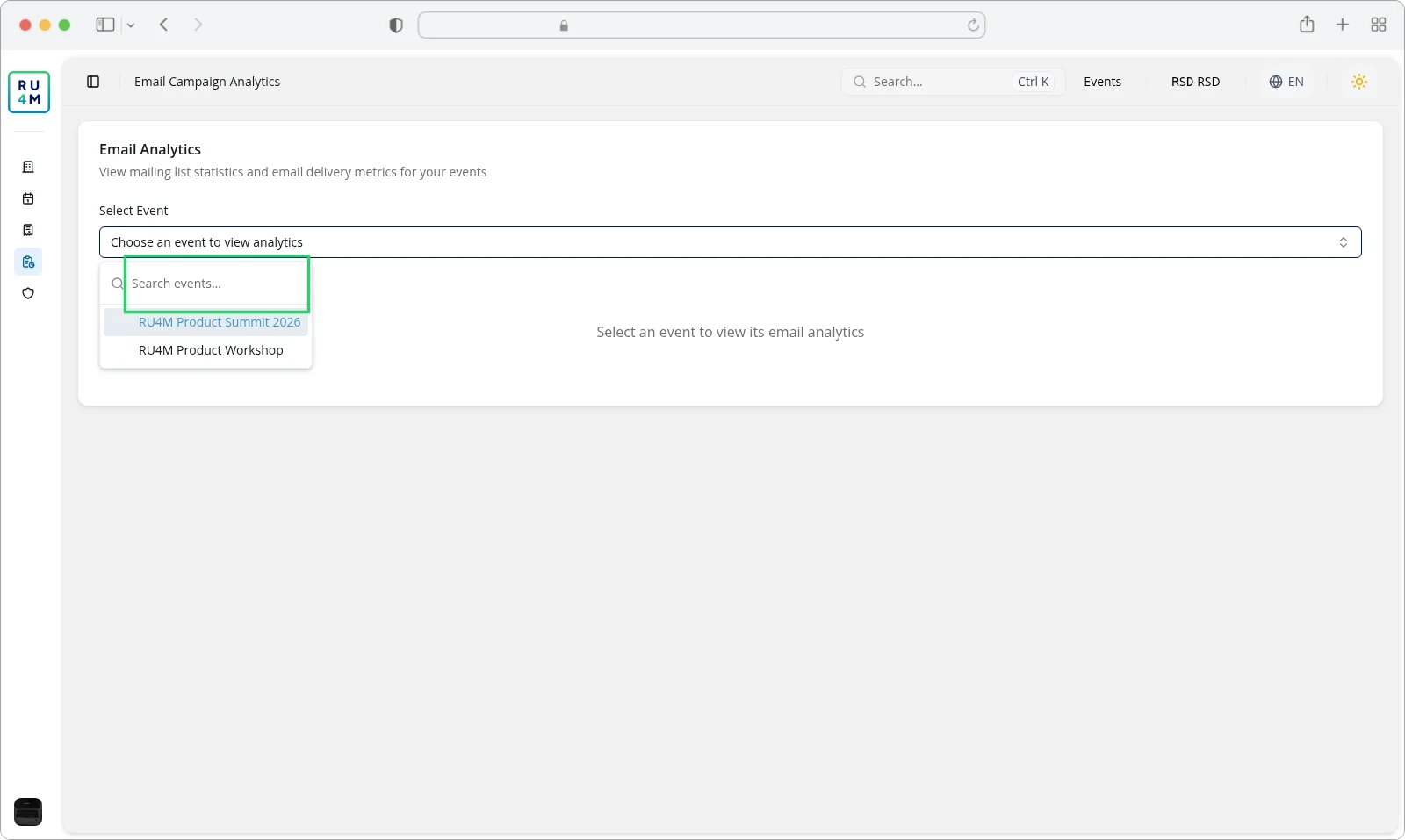
When you manage no event with a mailing list, the list reads No results — only events with launched campaigns are shown.
Periods, filters and empty results
This page carries no period filter. Every figure covers the whole life of the event so far.
Before you choose an event, the page reads Select an event to view its email analytics.
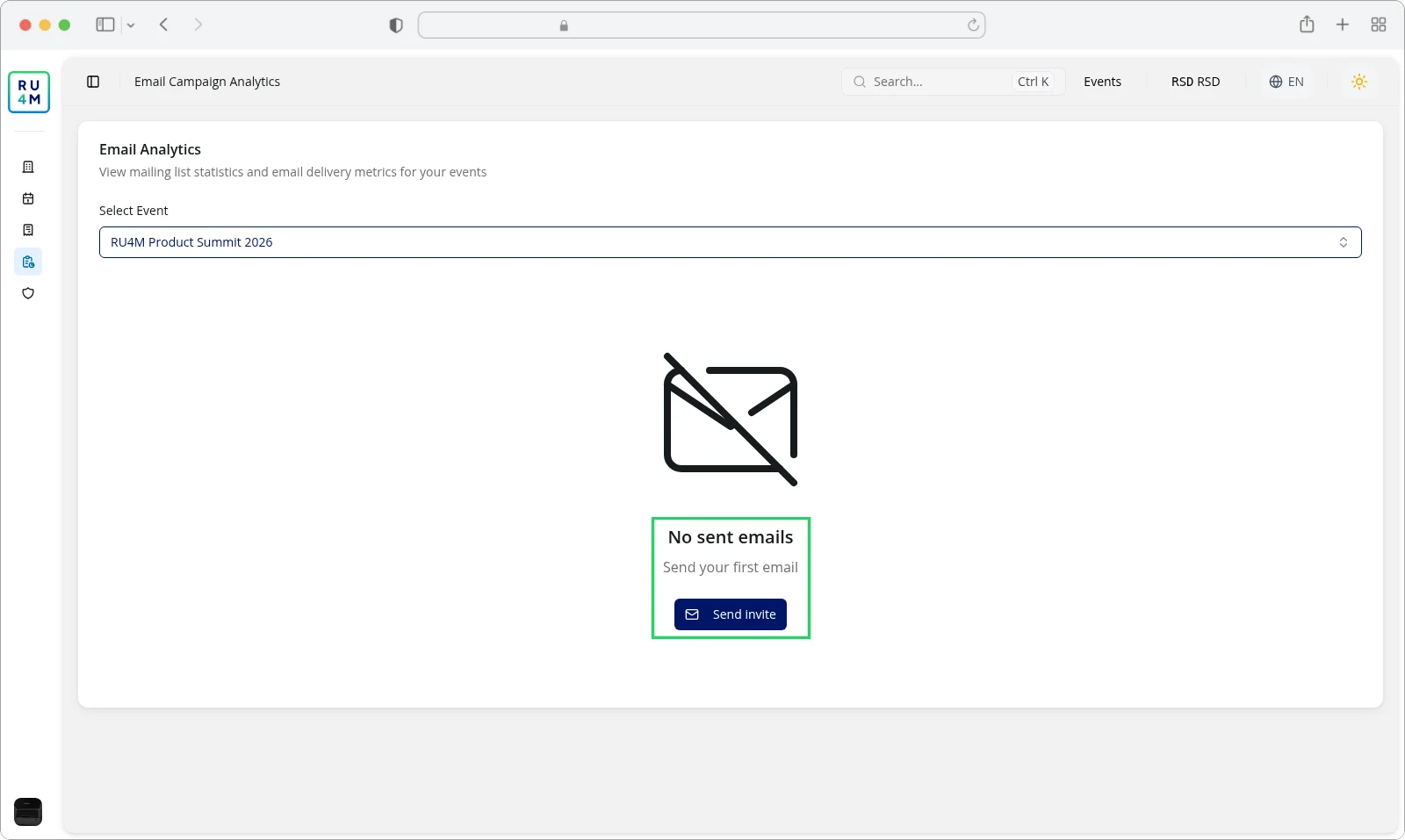
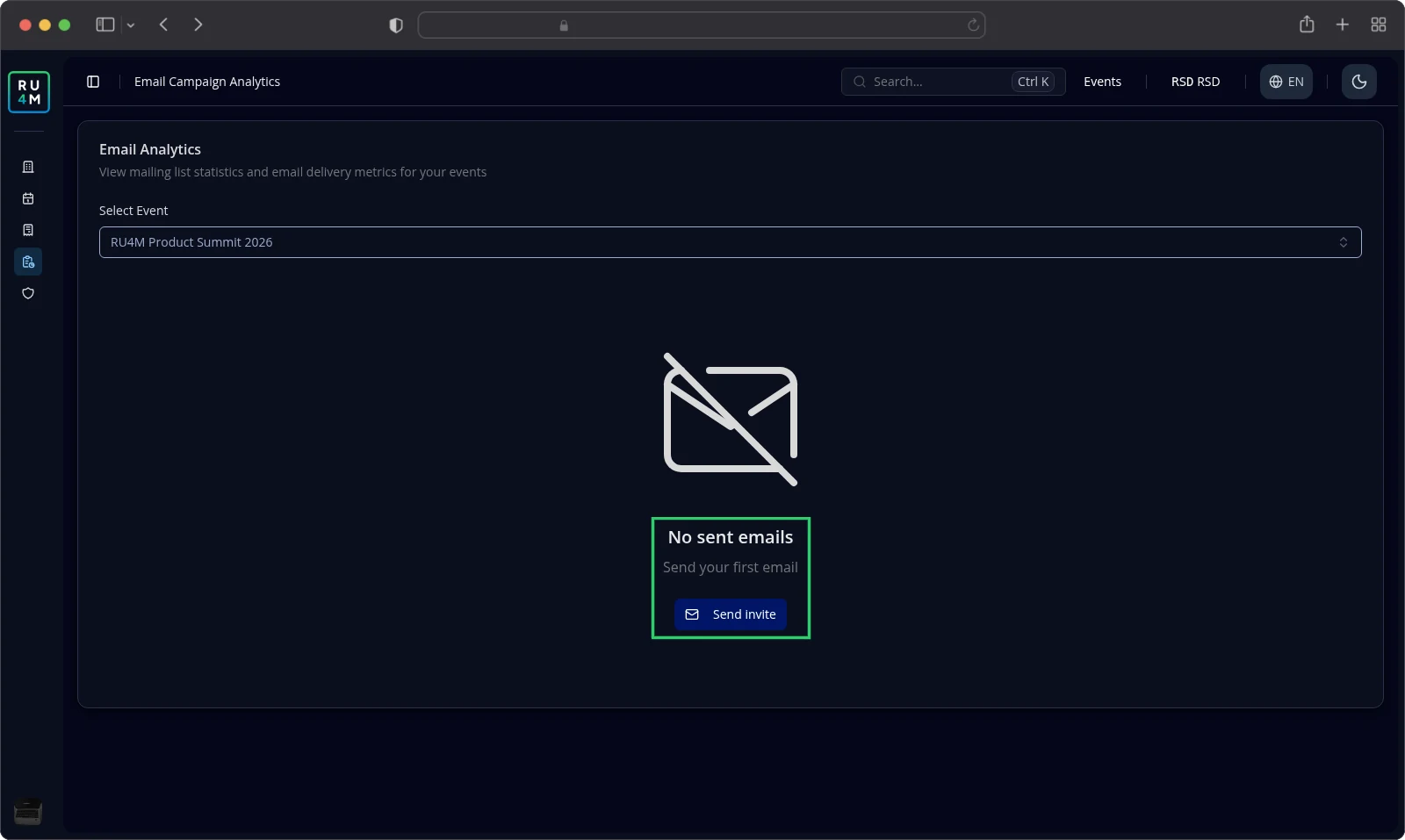
An event you have not sent anything for yet reads No sent emails. The line below it says Send your first email. Select Send invite to start one. From this page it opens your events list; from the event tab it opens that event's mailing list.
When the figures cannot load, the page reports Failed to load email analytics for this event. Select Try again to load them once more.
Figures take a few minutes to arrive. An email you sent a minute ago may still be missing.
Troubleshooting
My event is not in the list. It needs a mailing list, and you need to manage it or host it. Read Contact lists to build the list.
The page reads No sent emails. You have not sent an email for this event yet. Select Send invite.
The page reports that it failed to load. Select Try again. If it keeps failing, come back later.
The open count looks lower than you expect. Some mail apps do not report a message as opened. Read Opens together with Clicks.
A rate shows a dash. The page had nothing to divide by. Check the Delivered count first.